Jump to…
- What is actually happening
- Migration timeline
- What carries over, and what does not
- What happens to your budget and bidding
- The Google Business Profile connection changes
- Where your leads live now
- Callouts and photos
- What to do before your account migrates
- What to do in the first two weeks after
- The honest read on this migration
- Frequently asked questions
- About the Author: Brett Williamson

If you run Local Services Ads, the dashboard you have been logging into is going away. Google is folding Local Services Ads into Google Ads as a Performance Max campaign with a pay-per-lead goal, and the rollout is already underway.
The short version: Google began migrating Local Services Ads into Google Ads in August 2026, starting with select United States home and storefront service businesses. You get 14 days notice by email and dashboard banner, with a reminder at 7 days. Your leads, verification status, and Google Verified badge all carry over. Your historical campaign performance data does not move into Google Ads, so save it before your migration date. Pay-per-lead pricing stays the same, and ads still run only on Google Search and Google Maps.
What is actually happening
Local Services Ads have always lived in their own dashboard, separate from Google Ads. That separation is ending. After migration, everything moves into Google Ads: setup, targeting, budget, and lead management. Google states that attempting to log into your dashboard on or after your migration day will automatically redirect you to your campaign overview in Google Ads.
The campaign type you land in is Performance Max with a pay-per-lead goal. That name causes unnecessary alarm among contractors who have heard Performance Max horror stories from ecommerce. This is a different animal. Google is explicit that ads in Performance Max campaigns with pay-per-lead goals will continue to show exclusively on Google Search and Google Maps. Targeting remains keywordless and based on your service categories and service area, and you still pay per lead rather than per click.
Migration timeline
| Phase | Timing | Who moves |
|---|---|---|
| First wave | August 2026 | Select United States home and storefront service advertisers, including plumbing, HVAC, electrical, appliance repair, house cleaning, lawn care, roofing, pest control, and moving |
| Expansion | Late 2026 | Broader groups, including service-area businesses without physical storefronts and accounts with custom bidding or booking configurations |
| Final | 2027 | Non-United States accounts and all remaining business categories not migrated in 2026 |
You do not choose your date. Google notifies the account administrator 14 days before the migration date by email and with a banner in the dashboard, then sends a reminder at 7 days.
Worth confirming now who actually receives administrator email on your Local Services account. Fourteen days notice is only useful if it reaches somebody positioned to act on it.
What carries over, and what does not
Carries over automatically:
- Customer lead history, including customer contact details, back-and-forth message history, and older call recordings
- Business verification status
- The Google Verified badge
- Pay-per-lead pricing
- Search and Maps placements
Does not carry over:
- Historical campaign performance data. Google states that previous campaign-level performance metrics such as past impressions, clicks, weekly spend, and ad-level performance reports will not migrate to Google Ads.
- Access to the old Local Services dashboard
- BBB callouts, which Google says are no longer supported
On that first item, be precise about what Google actually promises. Your historical data does not follow you into Google Ads. Google says a download will be available on the redirection page, and advises taking screenshots of your reports before migrating if you need them immediately.
Take the screenshots. A download Google says is coming is not the same as a download sitting on your hard drive, and the window in which this matters is the two weeks between notice and migration.
What happens to your budget and bidding
Your budget converts from weekly to daily. Google takes your historical average weekly budget and divides it by seven to set your daily average budget. Monthly spend is capped at your daily average budget multiplied by 30.4 days, so daily spend fluctuates while monthly billing stays predictable.
Bidding changes more substantially. Manual bidding and vertical-level target CPA are both deprecated. If you previously set different target costs for different service categories, those collapse into a single campaign-level target CPA.
That last point deserves attention if you run multiple trades under one account. A contractor bidding one amount for drain cleaning and a very different amount for water heater installation will find both averaged into one target. If those economics genuinely differ, the fix is to run separate campaigns per vertical rather than accept a blended number that serves neither.
The Google Business Profile connection changes
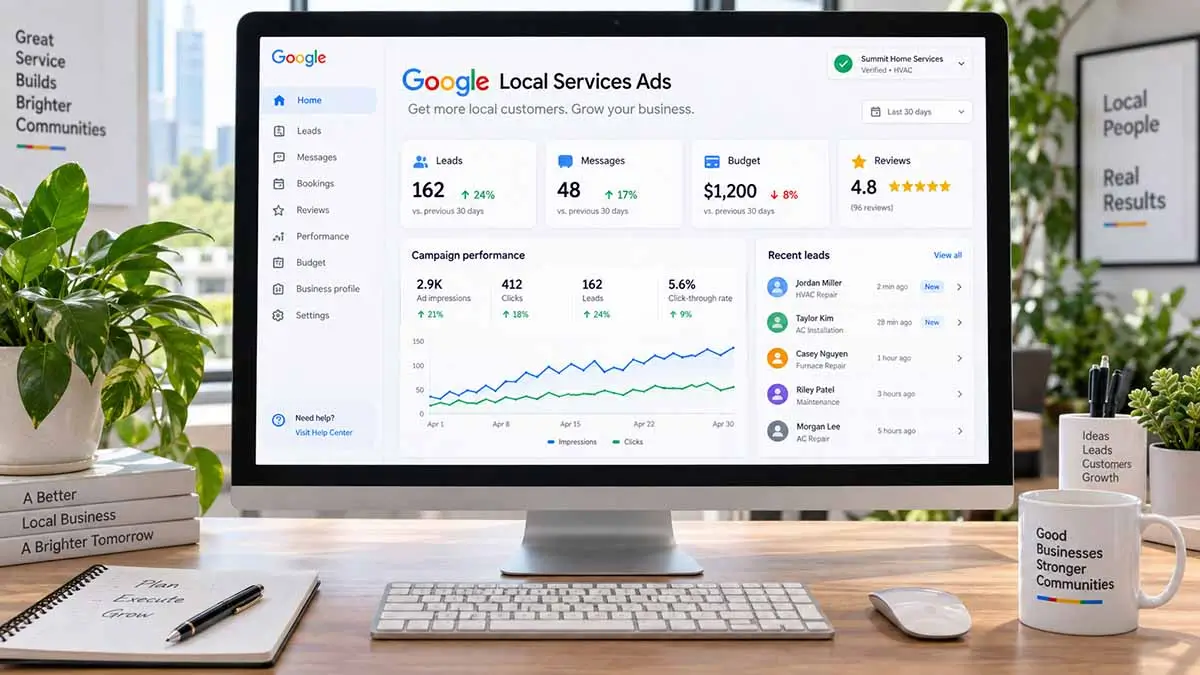
This is the detail most likely to catch contractors off guard, and it has billing consequences.
After migration, core business details sync one direction from your Google Business Profile into Google Ads. Google states that changes to your business hours, phone number, and minor updates to your business name will sync automatically within 24 hours. Significant name or address changes trigger a verification review that typically takes 24 to 48 hours, during which your campaigns may temporarily pause.
Other targeting elements, including service areas and ad schedules, can be customized independently in Google Ads.
Why this matters beyond housekeeping: Google is separately introducing a billing change on October 1, 2026 that charges for missed calls during your business hours when the caller stays on the line for more than 20 seconds. Google has not published which hours field defines that window. Before migration, Local Services Ads keep their own business hours field on the Profile and budget page. After migration, business hours sync from your Google Business Profile.
For a migrated account, that potentially makes your Business Profile hours a billing input rather than only a customer-facing detail. It is worth getting both right rather than guessing which one Google is reading. We cover the missed-call change and how to prepare for it in our guide to the October 1 missed call charges.
Where your leads live now
Lead management moves into Google Ads under Goals, then Conversions, then the Leads page. Past leads appear there alongside new ones, with contact details, message history, and older call recordings intact.
You can open an individual lead and reply to text messages or emails directly inside Google Ads, so the message workflow survives the move even though its location changes.
Reporting looks different. Google Ads shows real-time conversions, meaning qualified leads you were charged for, plus cost and cost per lead. What you will not have is the historical view you are used to, which is why saving it beforehand matters.
Callouts and photos
BBB callouts are no longer supported. Google’s guidance is to select at least six other structured callouts, such as business hours, specialties, or accepted payment methods, managed through the Assets tab.
You can also upload up to 100 additional business photos. Headlines, videos, and sitelinks, which are standard in ordinary Performance Max campaigns, do not apply to campaigns with pay-per-lead goals, so ignore any generic Performance Max advice telling you to build those out.
Six structured callouts is a floor, not a target. This is one of the few levers in a keywordless campaign where you control the message directly, and it is easy to leave half-configured because nothing forces you to finish it.
What to do before your account migrates
Save every performance report you have. Impressions, spend, lead volume, cost per lead, by month if you can get it. Screenshots at minimum.
Confirm who receives administrator notifications. Fourteen days notice only helps if it reaches the right inbox.
Audit your Google Business Profile hours, name, address, and phone number. These sync into Google Ads after migration, and a significant name or address change afterward can pause campaigns during reverification.
Write down your current bidding setup. Particularly if you use different targets by service category, because that structure does not survive intact.
Record your baseline numbers outside Google. A simple note of recent cost per lead and monthly lead volume is what lets you tell whether the migration helped or hurt.
What to do in the first two weeks after
Google advises allowing up to two weeks for the migration process to fully complete and for campaign performance to ramp back to stable levels. Plan around that honestly rather than reacting on day three.
Once you are in Google Ads, open the Settings tab and verify service areas, ad schedules, business categories, daily budget, and bidding targets. These operate independently of your Business Profile, and defaults do not always match what you had configured before.
Resist the urge to optimize during the ramp period. Changing budget or targets while a campaign is restabilizing makes it impossible to tell what caused what. Watch, document, and wait for the noise to settle.
If something looks genuinely broken rather than merely unsettled, Google lists a transition support line at +1-844-205-0011, Monday through Friday, 9:00 AM to 8:00 PM EST.
The honest read on this migration
Platform migrations are usually sold as improvements and experienced as disruption. This one lands somewhere in between.
The genuine upsides are real. Managing everything in one place beats bouncing between dashboards, and being able to customize targeting independently of your Business Profile removes a longstanding annoyance.
The genuine costs are also real. Your performance history does not follow you, vertical-level bid control goes away, and you absorb a couple of weeks of instability at the same moment Google introduces a new billing rule on missed calls. Those two changes arriving together is poor timing for contractors, and it means a soft October will have at least two plausible explanations.
That is exactly why the baseline numbers matter. Write them down now, while you still have them in front of you.
Frequently asked questions
When do Local Services Ads move to Performance Max?
Migration began in August 2026 for select United States home and storefront service advertisers including plumbing, HVAC, electrical, appliance repair, house cleaning, lawn care, roofing, pest control, and moving. Broader groups including service-area businesses without physical storefronts follow in late 2026. Non-United States accounts and all remaining categories migrate in 2027.
How much notice does Google give before migrating an account?
Google notifies the account administrator 14 days before the migration date by email and with a dashboard banner, followed by a reminder at 7 days.
Do my Local Services leads transfer to Google Ads?
Yes. Past customer lead history transfers automatically, including customer contact details, back-and-forth message history, and older call recordings. They appear under Goals, then Conversions, then the Leads page in Google Ads.
Will I lose my Google Verified badge?
No. If business verification is already complete, verified status and the Google Verified badge transfer to Google Ads automatically. Note that Google has retired the older Google Guarantee badge and replaced it with a single Google Verified badge for all advertisers.
What happens to my Local Services Ads performance reports?
Historical campaign-level performance data does not migrate into Google Ads. Google says a download will be available on the redirection page and advises taking screenshots of your reports before migrating if you need them immediately.
How does my budget change after migration?
Your historical average weekly budget is divided by seven to set a daily average budget. Monthly spend is capped at the daily average budget multiplied by 30.4 days.
Can I still set different bids for different services?
Not within a single campaign. Manual bidding and vertical-level target CPA are deprecated in favor of one campaign-level target CPA. To maintain different targets by service category, run separate campaigns.
How long until performance stabilizes?
Google advises allowing up to two weeks for the migration process to fully complete and for campaign performance to ramp back to stable levels.